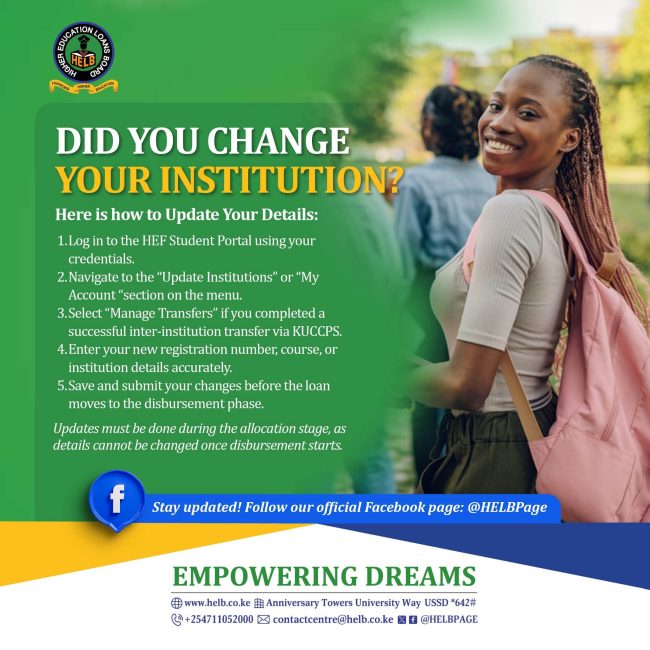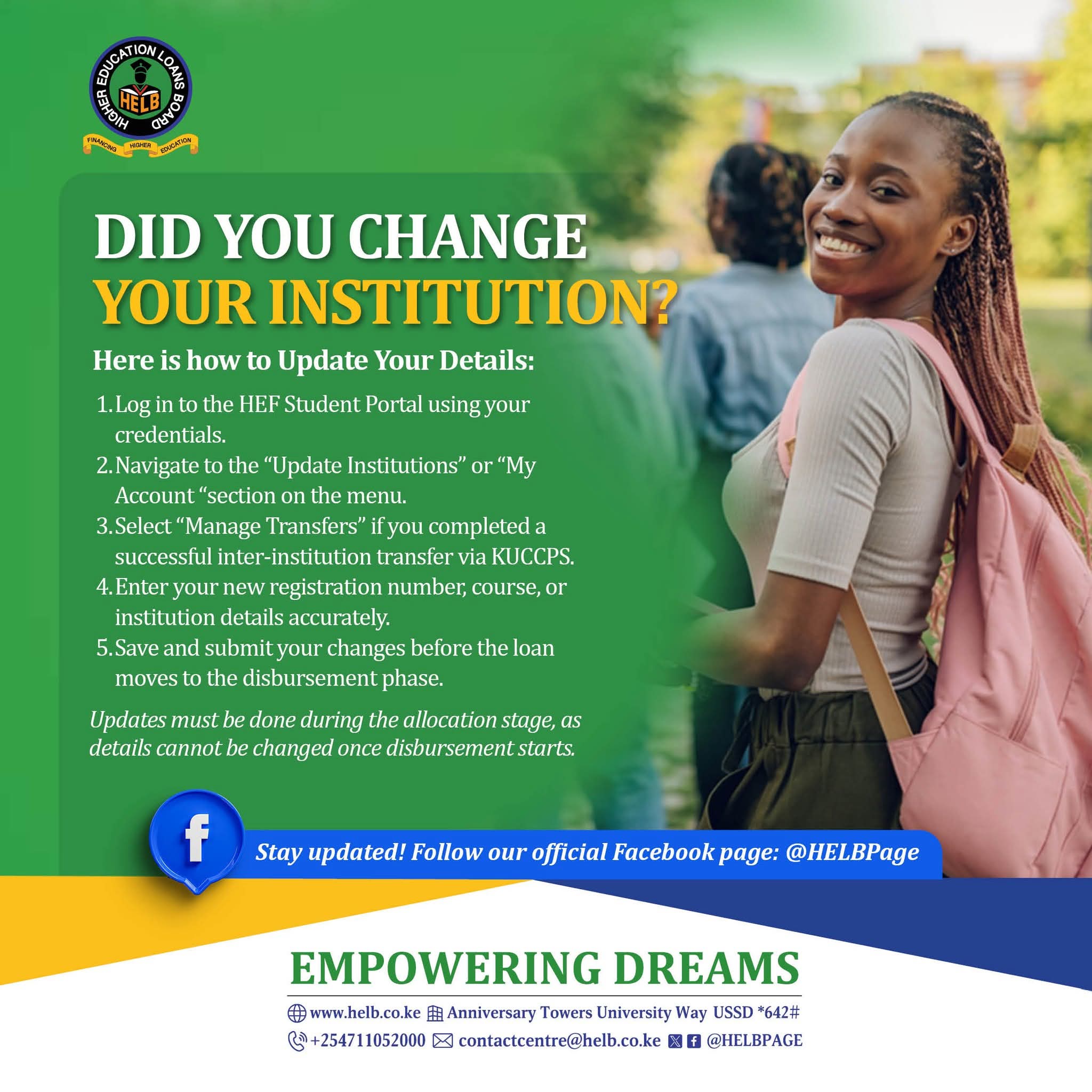
Have you changed your university or college after applying for a HELB loan? Students who have transferred to another institution need to check and update their institution details through the Higher Education Financing (HEF) Student Portal to ensure their records reflect their current academic placement.
The Higher Education Loans Board (HELB) has shared guidance explaining how students can update their details after changing institutions. The process involves logging in to the HEF Student Portal, accessing the institution update section and submitting the correct information.
Students who have completed a successful inter-institution transfer through the Kenya Universities and Colleges Central Placement Service (KUCCPS) should also use the relevant transfer management option where applicable.
The key message is simple: if your institution has changed, check your HEF account and update the relevant details before your funding reaches the disbursement stage.
How to Update Your Institution Details on the HEF Student Portal
Students who have changed their university, college or approved course placement can follow these steps to update their records.
1. Visit the Official HEF Student Portal
Go to the official HEF website and access the Student Portal.
Log in using your registered credentials. Make sure you are using the official platform before entering your personal information.
If you have forgotten your password, use the available account recovery option.
2. Click on Update Institutions or My Account
After logging in, navigate to the Update Institutions or My Account section, as indicated in the HELB guidance.
Look for the option that allows you to update your institution information.
3. Select Manage Transfers if You Changed Institutions Through KUCCPS
Students who have completed a successful inter-institution transfer through KUCCPS should select Manage Transfers where the option is available.
Ensure that the transfer has been processed through the applicable placement procedures and that your current institution details are correct.
For additional placement updates, visit the KUCCPS News Portal.
4. Enter Your New Institution and Course Details
Provide the correct information requested by the portal. Depending on the fields displayed, this may include:
- Your current university or college.
- Your course or programme.
- Your new registration or admission number.
- Other institution details required by the system.
Review the information carefully before submitting it. Your details should match your current admission and approved transfer records.
5. Save and Submit the Changes
Once you have confirmed that the information is correct, save and submit your changes.
Keep any confirmation or reference details provided by the portal. Log in again when necessary to check whether your updated information has been reflected.
Why HELB Students Should Update Their Institution Details Early
Changing an institution after submitting a funding application can create a mismatch between the information in a student’s account and their current academic placement.
Updating the relevant details helps the responsible institutions process records using the correct information.
Students should pay particular attention to their details if they have:
- Transferred from one university to another.
- Moved from one college to another.
- Received an approved change of institution through KUCCPS.
- Changed their course or programme through an authorised process.
- Received new admission or registration details.
Students should make the required updates as early as possible. The HELB notice states that changes should be made during the allocation stage because details cannot be changed through this process once disbursement begins.
What Happens If You Do Not Update Your HEF Portal Details?
If your HEF account contains outdated institution information, your records may not correspond with your current placement.
This can complicate the processing of your funding application or the confirmation of your details.
Students who have changed institutions should therefore check their accounts rather than assume that an approved transfer has automatically updated every funding record.
If the portal does not allow you to make the changes, confirm the status of your transfer and contact HELB for assistance.
Will Changing Your University Affect Your HELB Loan?
Changing your university or college does not automatically mean that you lose eligibility for government higher education funding.
However, your continued eligibility and funding arrangements depend on the applicable requirements, the status of your transfer and the processing of your records.
Students should ensure that their transfer has been validated where required and that the relevant funding institution has the correct information.
For further information about higher education funding, consult the official HEF Frequently Asked Questions.
You can also read Education News Hub’s guide to HELB Student Portal Login for help accessing your account.
How to Check Your HELB Loan Disbursement Status
After updating your institution details, return to the HEF Student Portal to review the status of your funding application.
Follow these steps:
- Visit the official HEF website.
- Log in to your Student Portal account.
- Open the relevant loan or scholarship application section.
- Review your application, allocation or disbursement information.
- Follow any additional instructions displayed in your account.
Students should remember that updating their institution details does not, by itself, guarantee immediate disbursement. Funding remains subject to the applicable eligibility, verification and processing requirements.
For more news and updates on university funding, student loans and higher education, visit the Education News Hub Universities and Colleges section.
Where Can Students Get Help With HEF Portal Updates?
Students who experience difficulties updating their details should first confirm that their transfer or placement information has been processed correctly.
If the problem persists, contact HELB through its official support channels.
Official HEF website: www.hef.co.ke
HELB contact email: [email protected]
Students should use official HEF and HELB platforms when managing their funding applications and personal information.
Final Reminder to Students Who Have Changed Institutions
If you changed your university or college after applying for a HELB loan, do not leave your institution details unchecked.
Log in to the HEF Student Portal, navigate to Update Institutions or My Account, and use Manage Transfers where applicable. Enter your current details accurately and submit the changes before the disbursement stage.
Visit www.hef.co.ke today and check that your institution details are up to date.